Timeline
The timeline shows your events in chronological order. It's a powerful way to see patterns in your family's history — when the wave of emigration broke out, what a person's life looked like from cradle to grave, which events took place in a particular place.
Views
Choose what the timeline shows with the Show menu at the top:
- All events — your whole database in chronological order
- By person — choose a person to see only their events. The person picker searches all persons, by name, place, tag, and category, and you don't need to type å, ä, and ö.
- By place — choose a place to see the events that took place there. Type part of the name and the program searches all your places.
- Family events — automatically filters out: Birth, Baptism, Confirmation, Marriage, Divorce, Death, Burial, Emigration, and Immigration
In the By person and By place views, the timeline is shown once you've chosen a person or place.
The event list
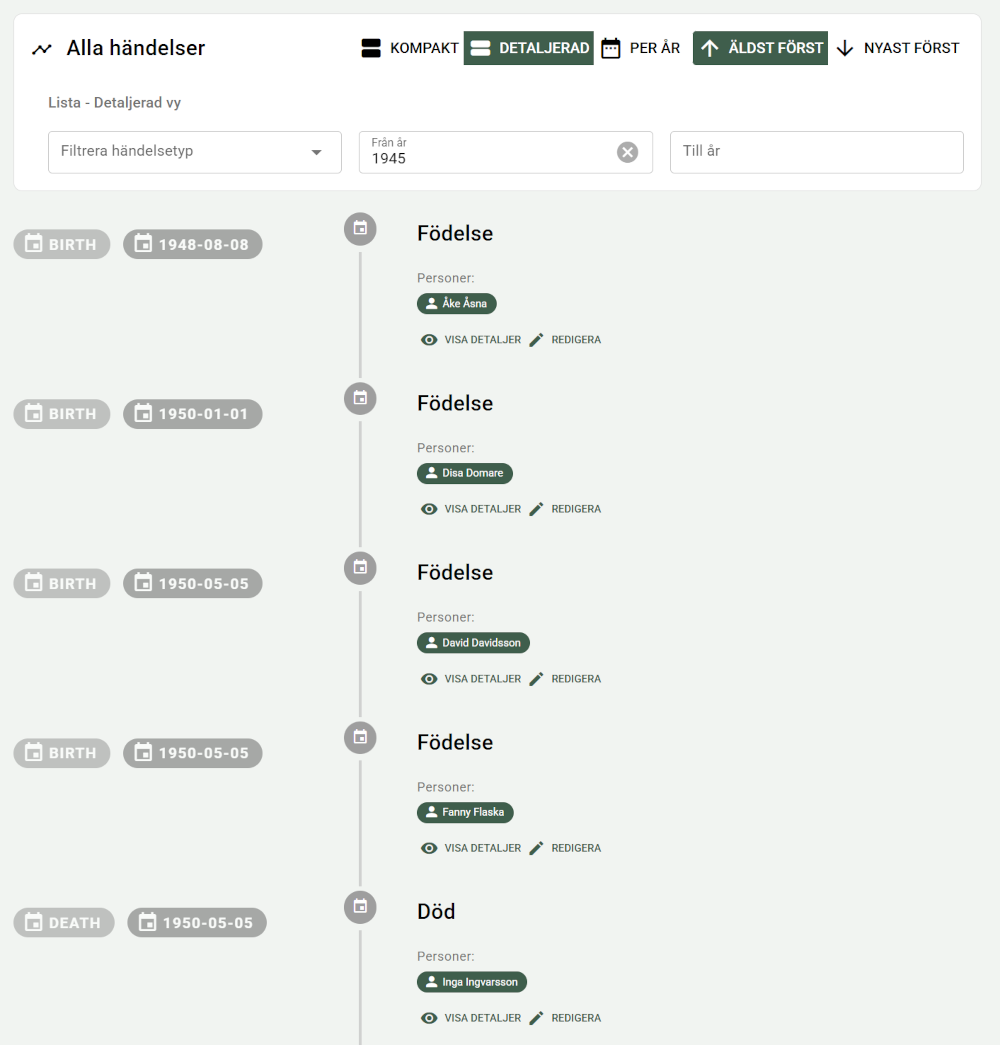
The timeline shows 20 events at a time, with a page selector below the list. Filtering and sorting are done on the whole selection before the page is shown, so page 2 continues exactly where page 1 ends — even if you have thousands of events.
Within the chosen view you can filter further:
- Event type — choose one or more types (multiple choice with chips)
- From year / To year — limit the time period
Display modes
The timeline can be shown in three ways — switch with the buttons in the top right:
- Compact — a short list, one row per event
- Detailed — more information per event
- By year — the events are grouped under expandable year headings
In the year mode, all years in the selection are shown with their number of events, 20 years per page. You can expand and collapse individual years, or use Expand all / Collapse all for the years on the page. A year shows 100 events at a time — if there are more, click Show more. Events without a date are gathered last under Unknown year.
Sorting
Switch between Oldest first and Newest first with the sort buttons.
Statistics
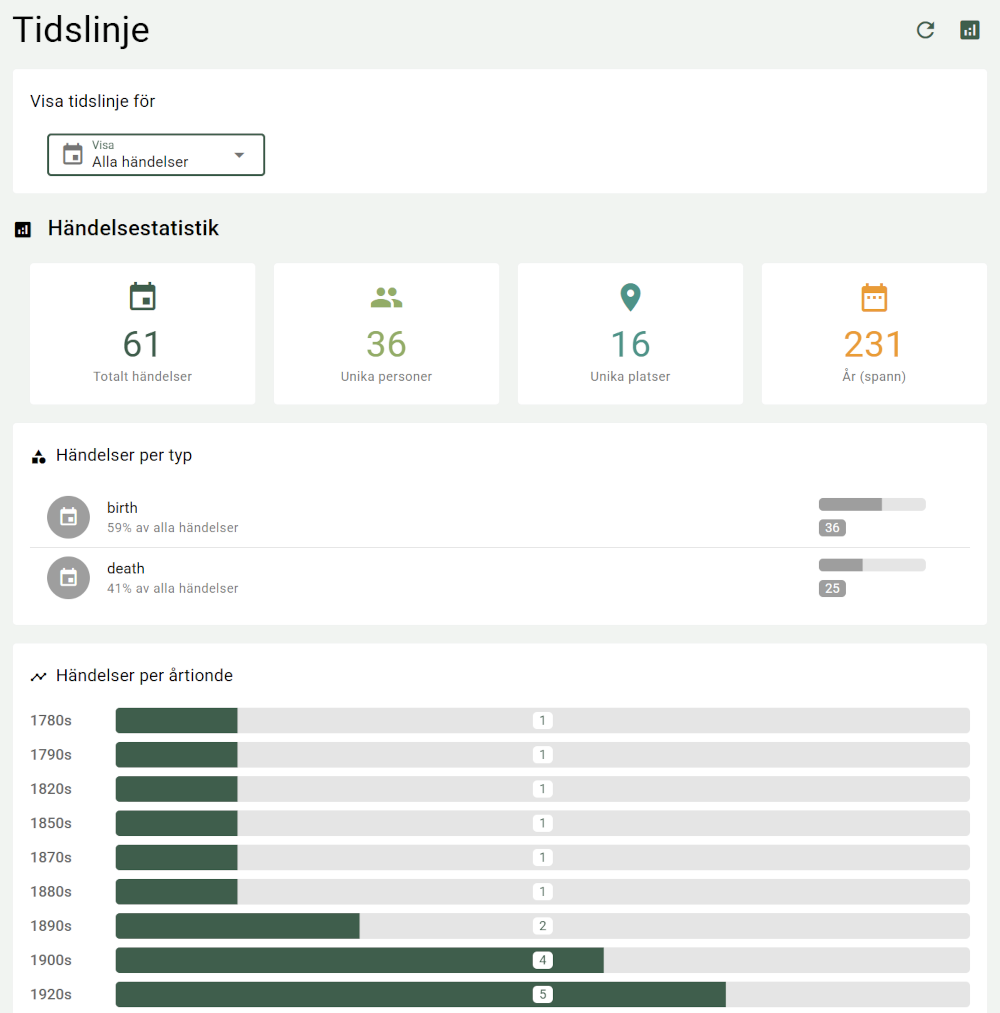
Click the analytics icon in the toolbar to show or hide the statistics section above the timeline. The statistics are calculated on the whole selection — the chosen view together with event type and year range — not just on the events visible on the page. It shows:
- The total number of events, unique persons, unique places, and time span (in years)
- The distribution per event type, with bars and percentages
- The distribution of events per decade as a bar chart
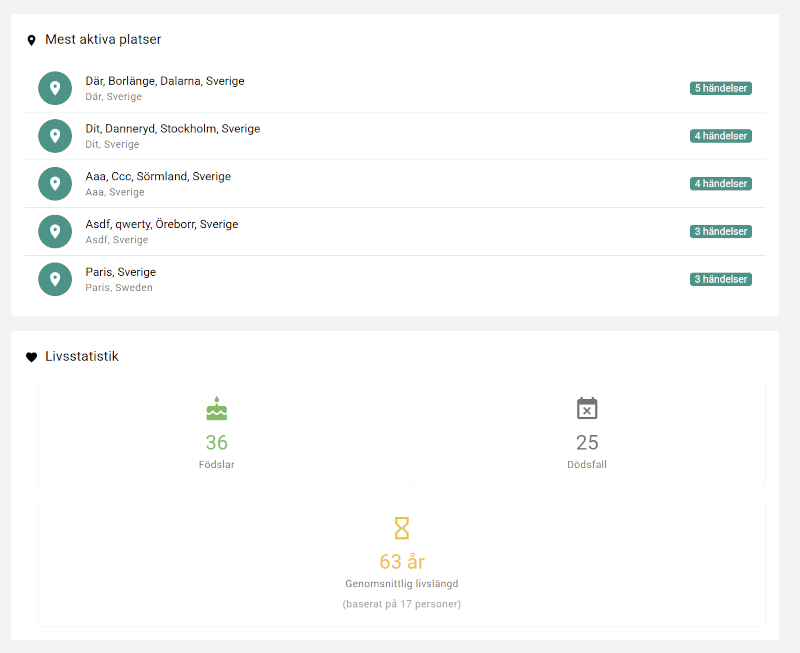
- The most common places in the selection
- The number of births and deaths, and the average lifespan of the persons who have both a birth and a death in the selection
Click an event
Click an event in the list to open the detail view. From there you can also go straight to editing.
The ⋮ menu next to each event has View details, Edit, and Delete. Before an event is deleted, PastPaths shows what will be removed and what will be unlinked.
Reach the timeline from other pages
Besides Timeline in the main menu, you can reach a filtered view directly from:
- A person's page → the Events tab shows that person's events
- A place's page → the Events tab shows the place's events as a timeline, with the same filters, display modes, and page selector
- The event list → shows all events with its own filters and card view/list view