Administration
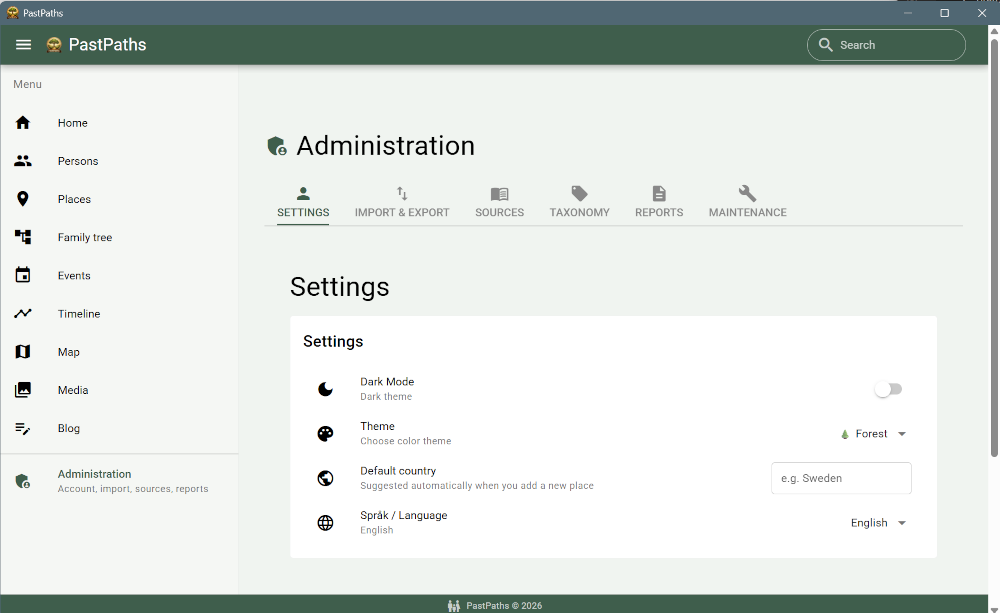
Here you can manage imports and exports, sources, categories and tags, the Place Library, and maintenance. There's no real account management since the app currently can't be shared between different users, but there are a few settings you can adjust to make it look the way you prefer.
Sections
On the Administration page, you can navigate between the tabs:
- Settings — change the app's color scheme and see what you've done recently
- Import & Export — import from GEDCOM or other programs, export your data
- Sources — document where your information comes from
- Taxonomy — organize with tags and categories
- Library — import ready-made packs of reference places
- Maintenance — find and merge duplicates, check relationships, clean up places and media, and open the export folder
The reports are under Research.